The Best MCP Connectors for AI-Powered Social Media Management (2026)

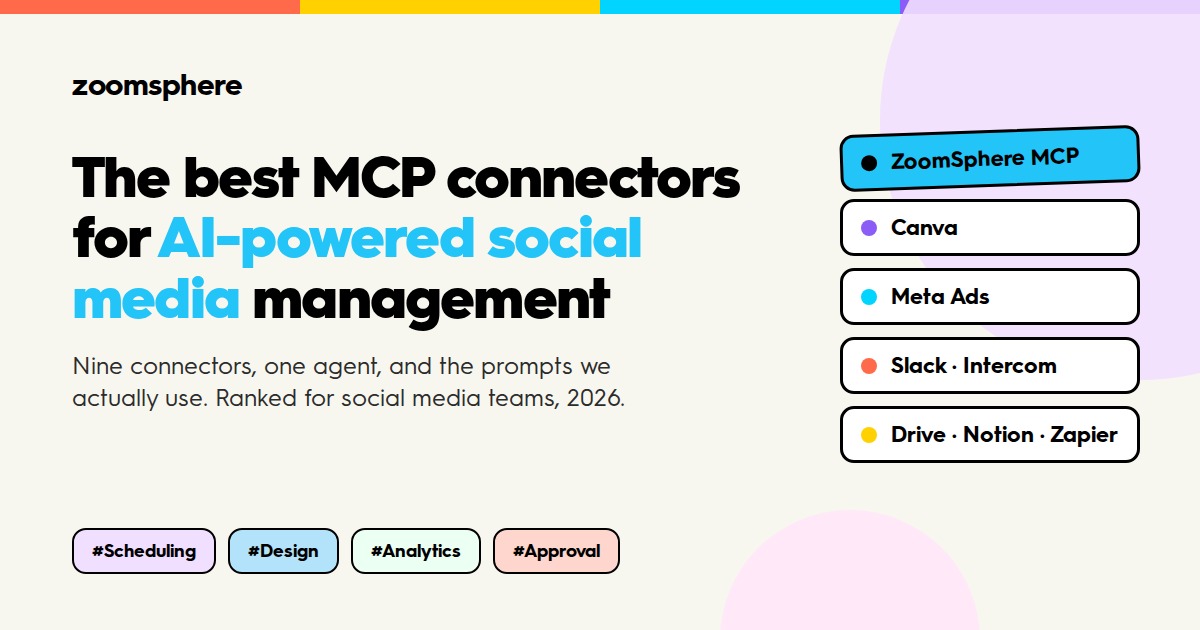
Which MCP connectors should a social media team plug into Claude or ChatGPT? Nine, in this order: ZoomSphere for the calendar, Canva for design, Meta Ads for paid results, Slack and Intercom as content sources, Dropbox and Google Drive for files, Notion for the brief, Zapier for everything else and your CMS for blog-to-social. That is the short answer. The rest of this article is why, and the prompt we use with each one.
{{form-component}}
A year ago the question was "which AI should we use for social media". In 2026 it is a worse question than it looks. Claude, ChatGPT and their peers write comparable copy. What separates a team that gets real work out of an agent from a team that gets a text to copy-paste is not the model. It is the connectors.
Key facts
- In 2026 the model matters less than the connectors: what the agent can read and write decides what work it can actually do.
- MCP (Model Context Protocol) is the open standard behind those connectors. One server, any agent, your login and permissions.
- The nine connectors ranked here cover scheduling, design, ads, team chat, customer voice, files, briefs, glue and CMS. ZoomSphere MCP is where the drafts land; the rest feed it.
- One rule for all of them: the agent creates drafts, a person approves. Set write tools to "needs approval" until a workflow has proven itself.
MCP (Model Context Protocol) is the open standard that makes those connectors possible. An app exposes its functions once; any AI agent that speaks MCP can then use them, with your login and your permissions. For a social media team that means the agent can read your calendar, put a draft into it, pull a design from your templates, check how last week's posts performed and read what your customers were asking about, all in one conversation.
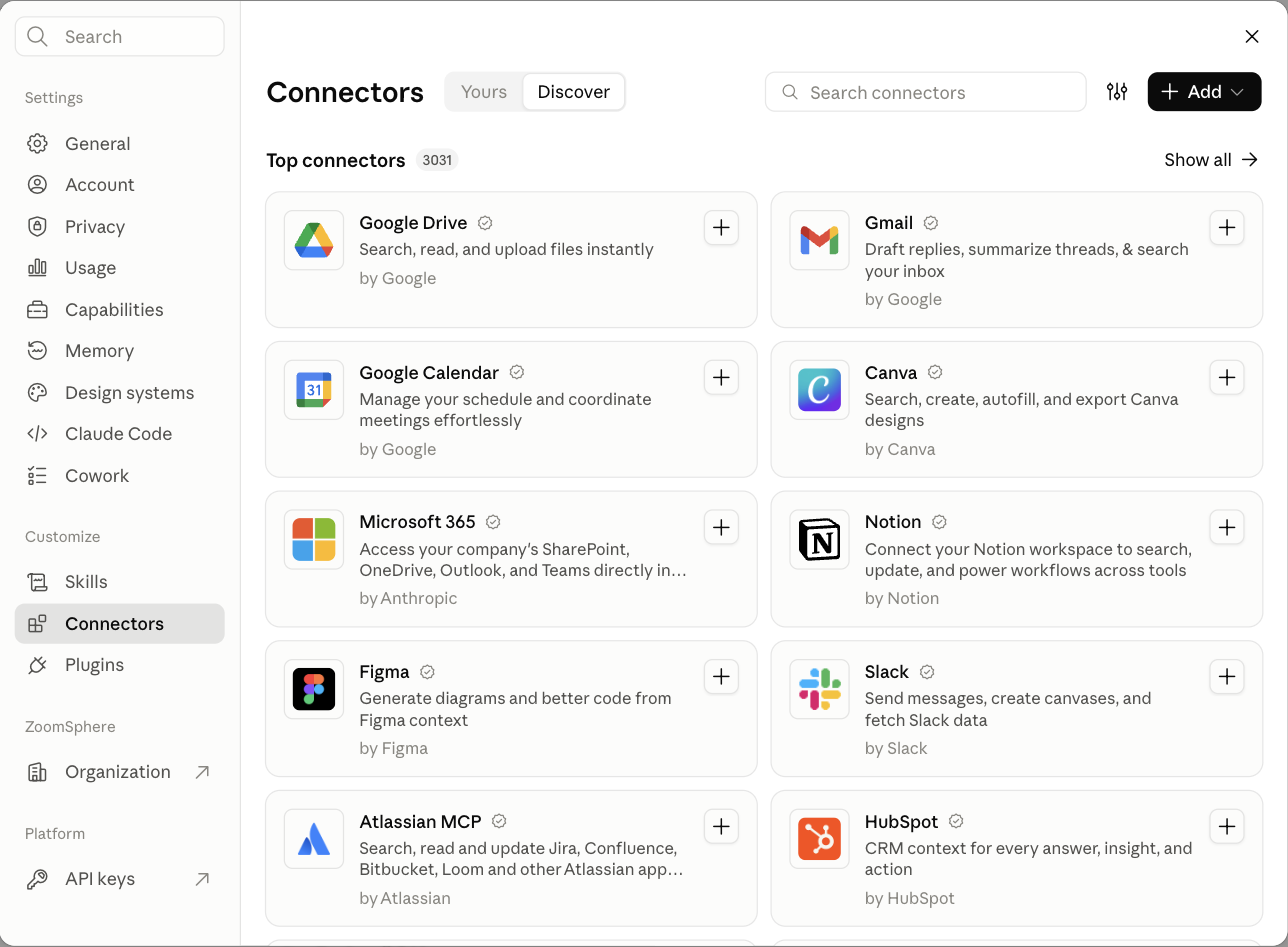
Below is the stack we run ourselves. Yes, our own connector is first; this is our blog and we would be lying if we ranked it lower. But every other entry is a tool we connect to it every day, and the ranking reflects how much each one changes the daily routine of a social media manager. Where a connector has an official server, we say so; where we only tested a community one, we say that too.
How we ranked the MCP connectors
Four criteria, in this order. Does it read and write, or only read? An agent that can read your analytics but cannot act on them is a dashboard with extra steps. Does it work in both Claude and ChatGPT with a standard OAuth login, so the whole team can use it without an engineer? Does it respect a human approval step, or does it only know how to publish? And how many of the daily jobs of a social media team does it touch: planning, writing, design, approval, publishing, reporting.
1. ZoomSphere MCP: the calendar the agent works in
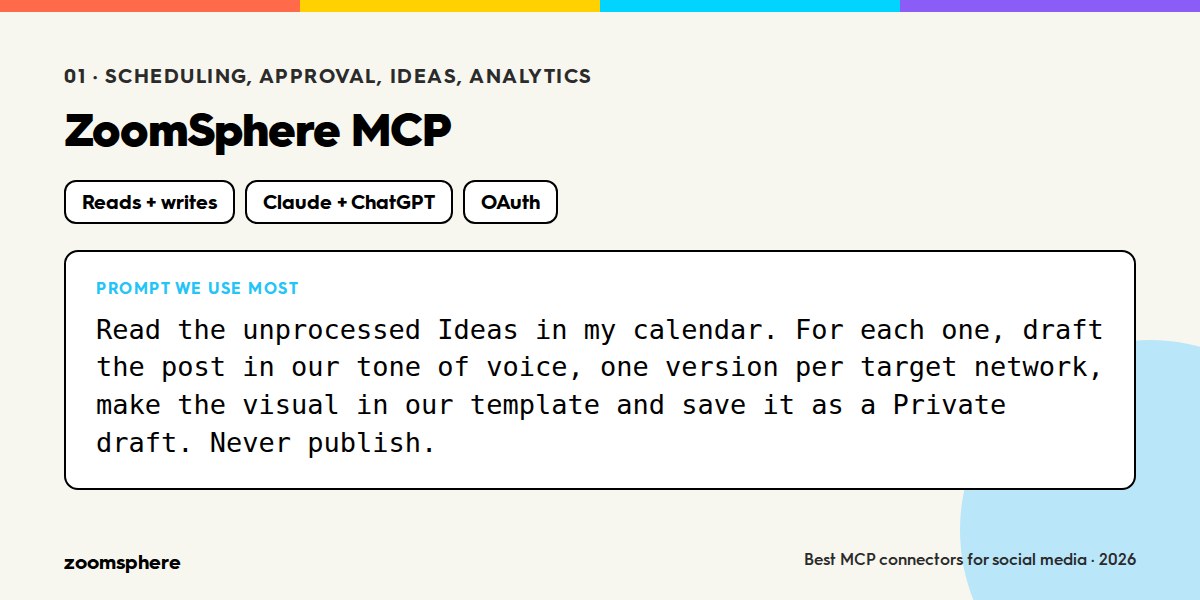
What it connects: your ZoomSphere workspaces, channels, statuses, posts, Ideas and analytics.
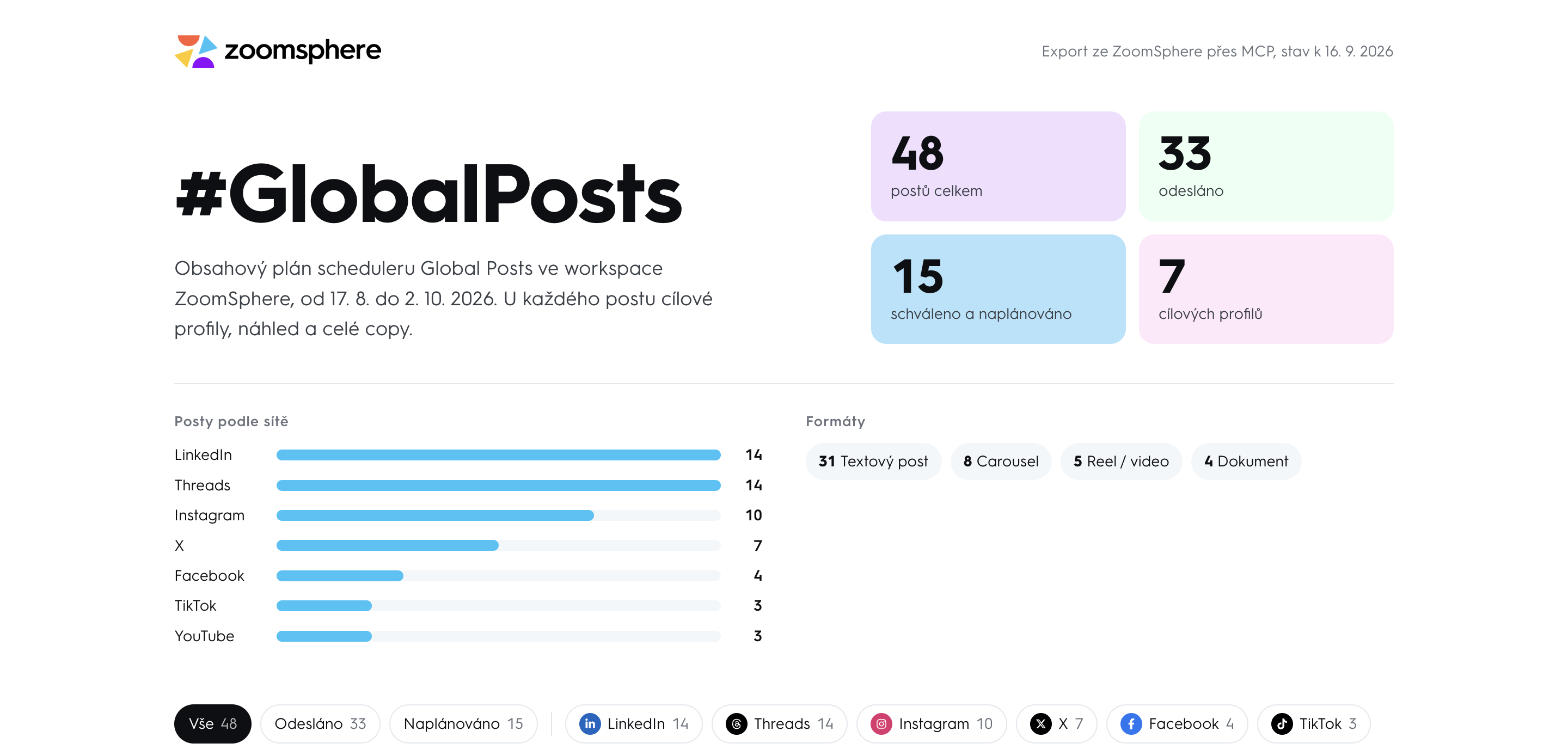
Reads and writes: both. Query, create, edit, change status, approve, publish and delete posts; the same for Ideas; per-post and per-channel analytics with cross-network summaries.
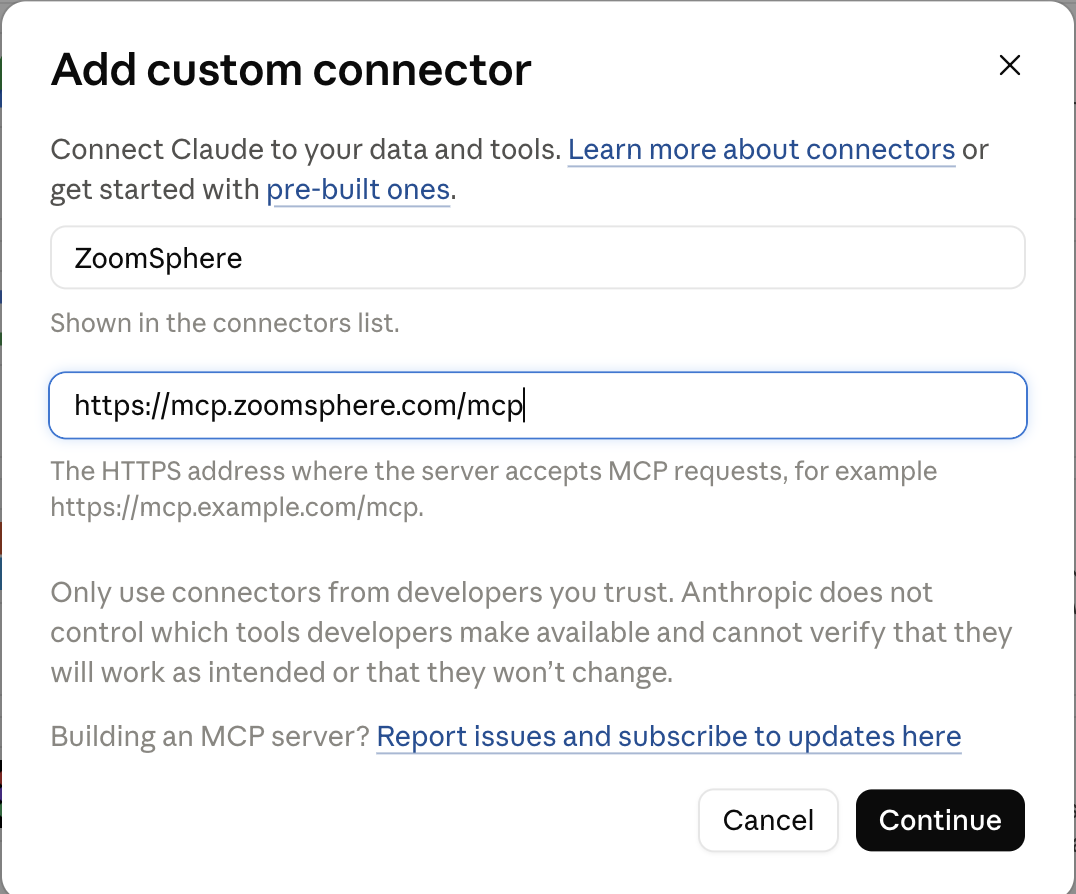
Setup: add a custom connector with the address https://mcp.zoomsphere.com/mcp in Claude (Settings → Connectors) or ChatGPT (Developer mode → Plugins) and sign in with your ZoomSphere account. About five minutes. Open to every ZoomSphere account at no extra cost.
The reason this sits at number one is not that it writes better posts. It is that the post ends up where the work already happens. The agent puts a draft into the calendar, on the right channel, with the right status, and your colleagues see it in "To approve" exactly as if a person had made it. Nothing about the approval side changes, which is what makes it usable in a team rather than by one enthusiast.
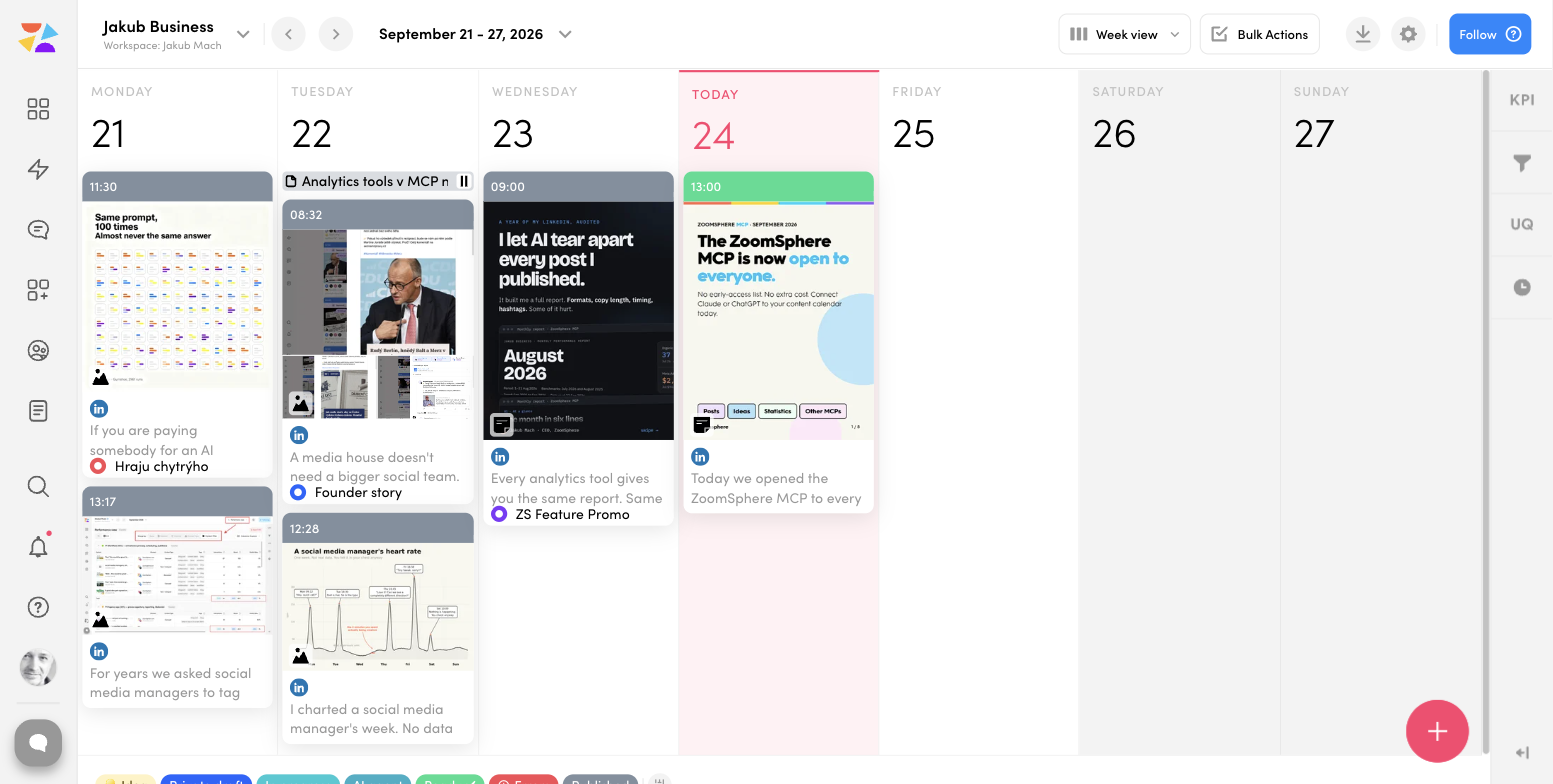
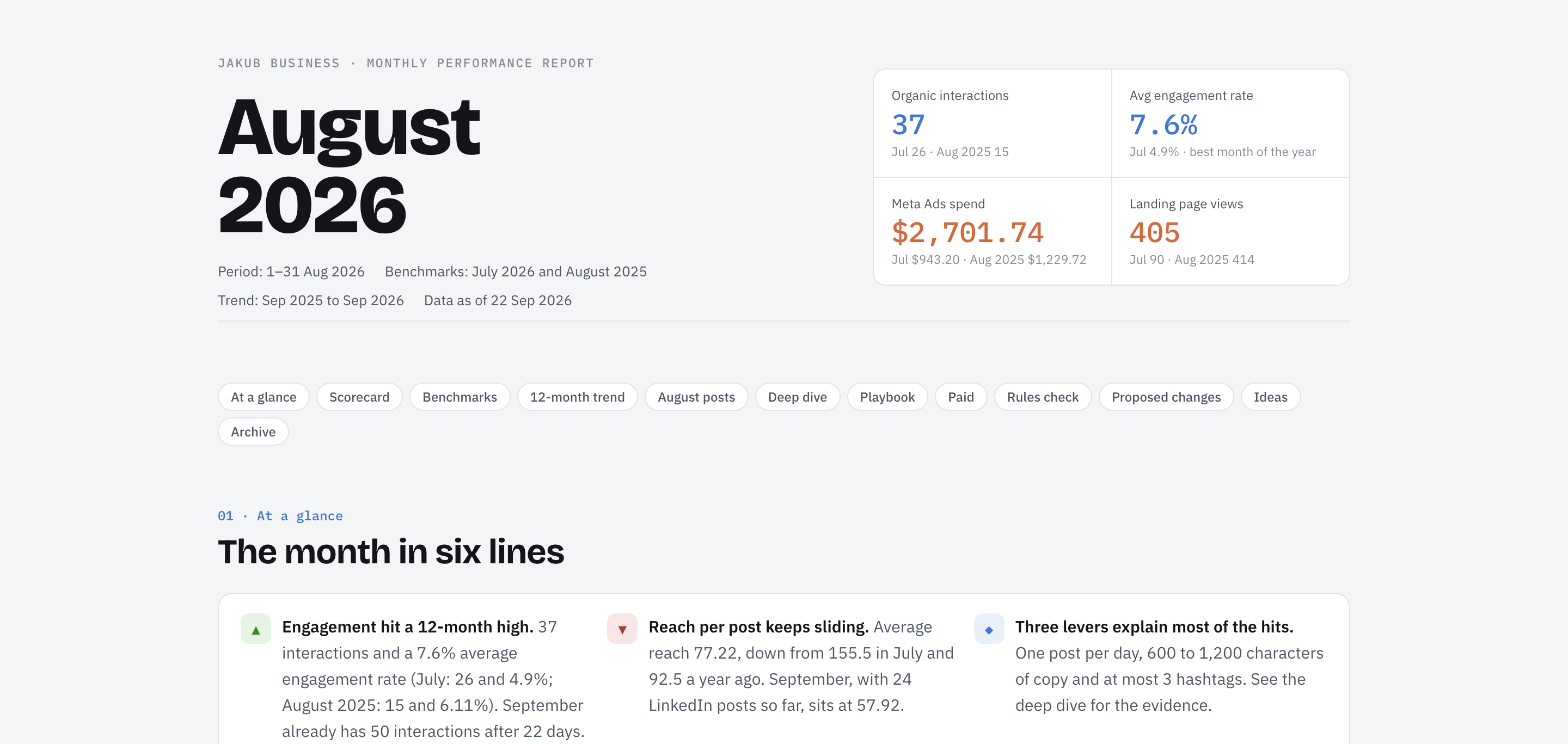
Three things it does that we have not seen elsewhere in this combination. Ideas as a trigger: you type one line into the Ideas section of the calendar, a scheduled task picks it up an hour later, writes the post, makes the visual and files the draft. Scheduled colleagues: a typo monitor that scans every post waiting for approval and pings Slack, a pre-publish check that tests links, hashtags and character limits against the rules the connector returns per network. And analytics the agent reads without doing arithmetic: totals and averages come from the sync, so the report says what ZoomSphere says.
Honest limitation: it is a calendar connector, not a design tool or an ad platform. That is what the next entries are for.
2. Canva MCP: your templates, not the agent's imagination
What it connects: your Canva designs, brand templates, folders and exports.
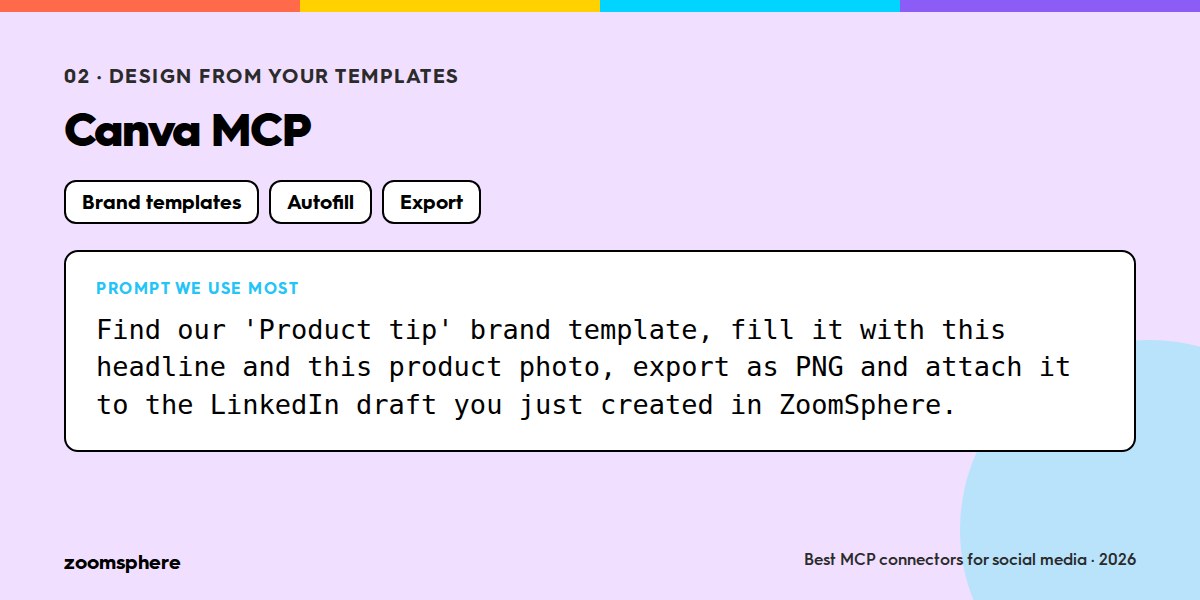
Reads and writes: both. Search brand templates, autofill a template with text and images, create and resize designs, export to a URL.
Setup: Canva's official AI Connector, available for Claude and ChatGPT from Canva's help centre.
The most common fear about AI in social media is off-brand visuals. Canva's connector solves it by subtraction: the agent does not invent a layout, it fills the template your designer already approved. Autofill a "quote card" template with a headline and a photo, export it, and hand the URL to ZoomSphere's uploadFromUrl. The design step of a post takes seconds and nobody has to explain the brand guide to the model.
3. Meta Ads MCP: paid results next to organic ones
What it connects: your Meta ad accounts, campaigns, ad sets, creatives and insights.
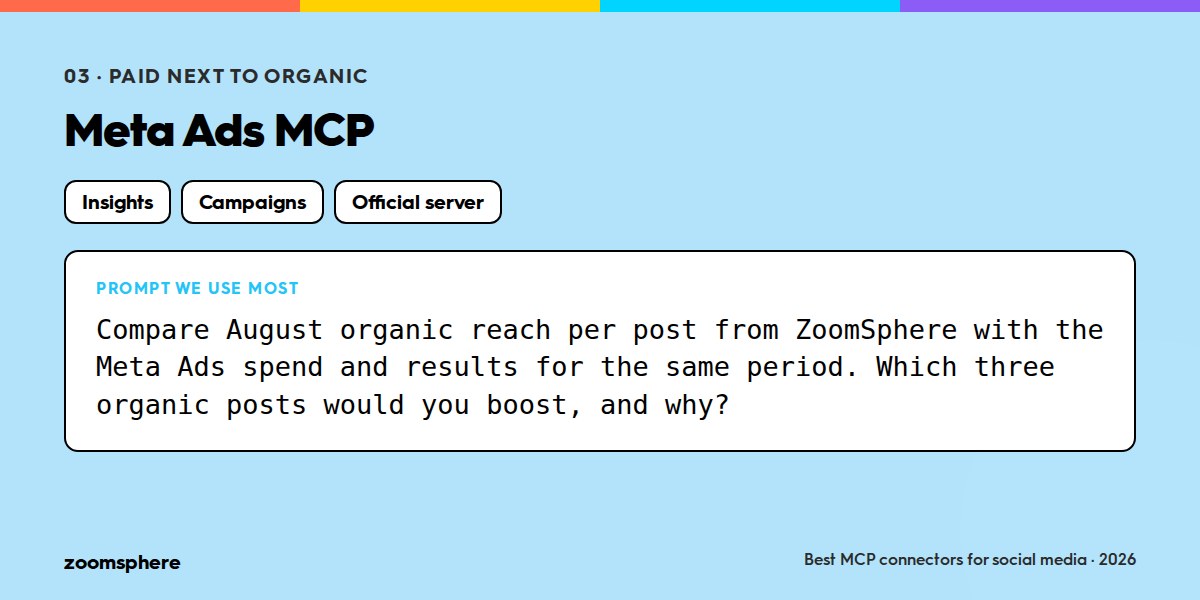
Reads and writes: both. Meta's official server covers reporting and campaign management; check the current tool list on Meta for Developers, it has grown fast.
Setup: the official server at mcp.facebook.com/ads, with a Meta login.
Social media managers live in two worlds, organic and paid, and the monthly report is where they collide. With both connectors in one conversation the agent can put last month's organic reach from ZoomSphere next to the ad spend and results from Meta, and answer the question every client asks: which posts deserve a boost. We use it read-mostly; write actions on an ad account are exactly the kind of thing to keep behind approval.
{{cta-component}}
4. Slack MCP: the team's memory as a content source
What it connects: channels, threads, messages, canvases.
Reads and writes: both. Read channels and threads, search, send messages.
Setup: the Slack connector in Claude's connector directory; ChatGPT has its own Slack integration.
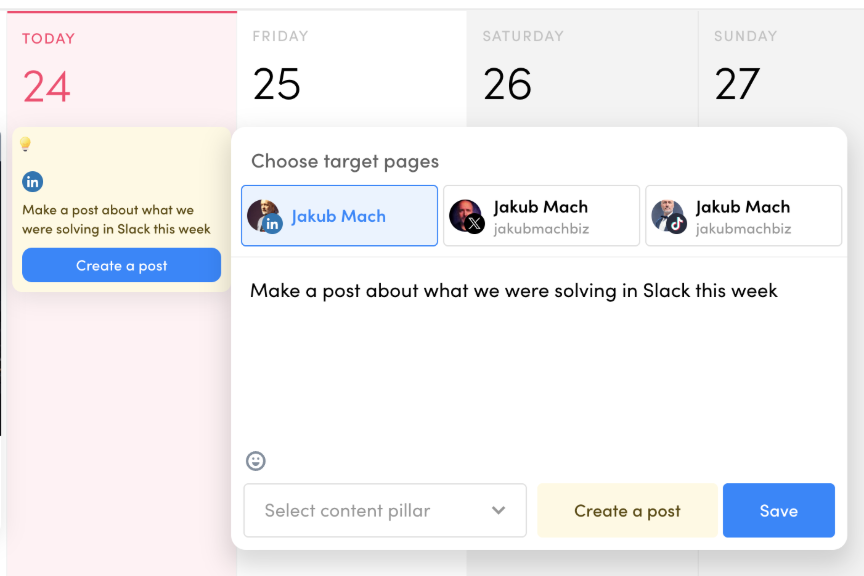
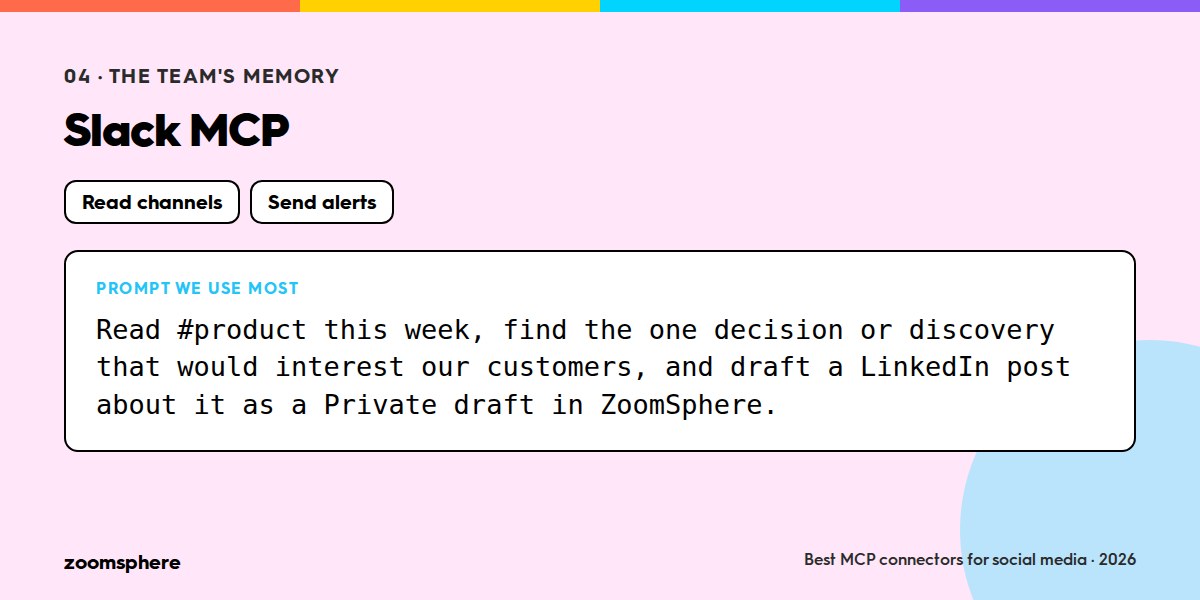
Slack is not a social media tool, which is why it is on this list. The most authentic posts come from what the company was actually doing that week, and that lives in Slack. An Idea in ZoomSphere that says "make a post about what we were solving in Slack this week" is a complete brief when the agent can read the channel. The other direction matters too: the typo monitor and the pre-publish check above report into Slack, so nobody has to open another tool to find out something needs attention.
5. Intercom MCP: the customer's voice
What it connects: conversations, contacts, companies, help centre articles.
Reads and writes: reads conversations and articles; writes notes and articles.
Setup: Intercom's official MCP server, with an Intercom login.
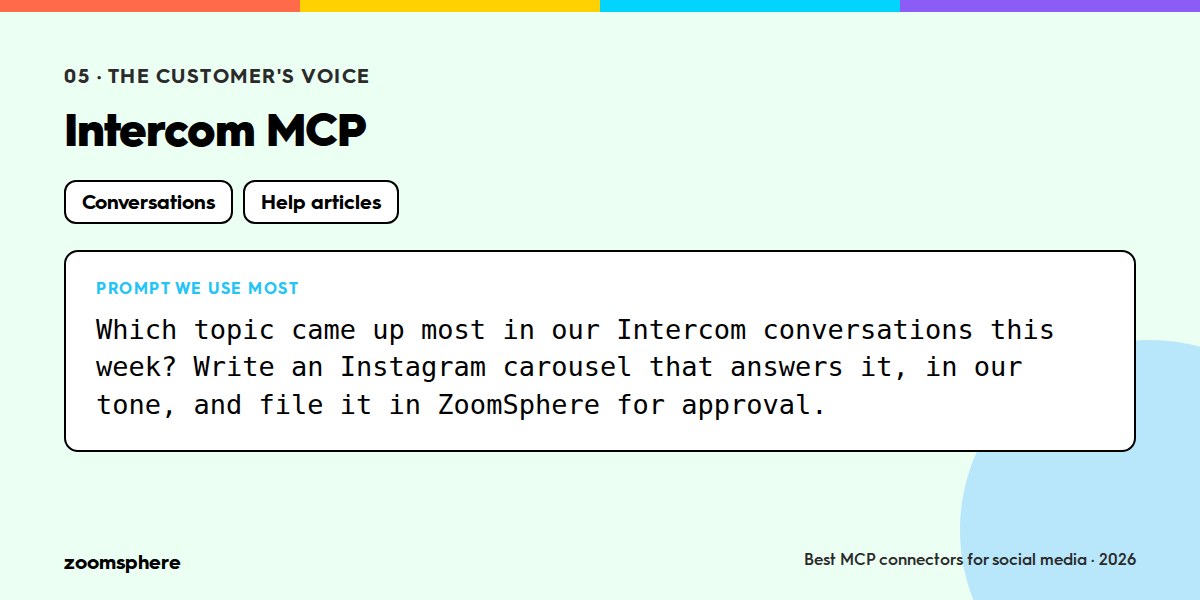
If Slack is what the team talked about, Intercom is what the customers asked about. The questions that repeat in support chat are the content calendar you did not know you had. Once a week the agent reads the conversations, clusters the topics, and turns the top one into a post, a carousel or a help article. It is the cheapest form of audience research there is, because the research already happened.
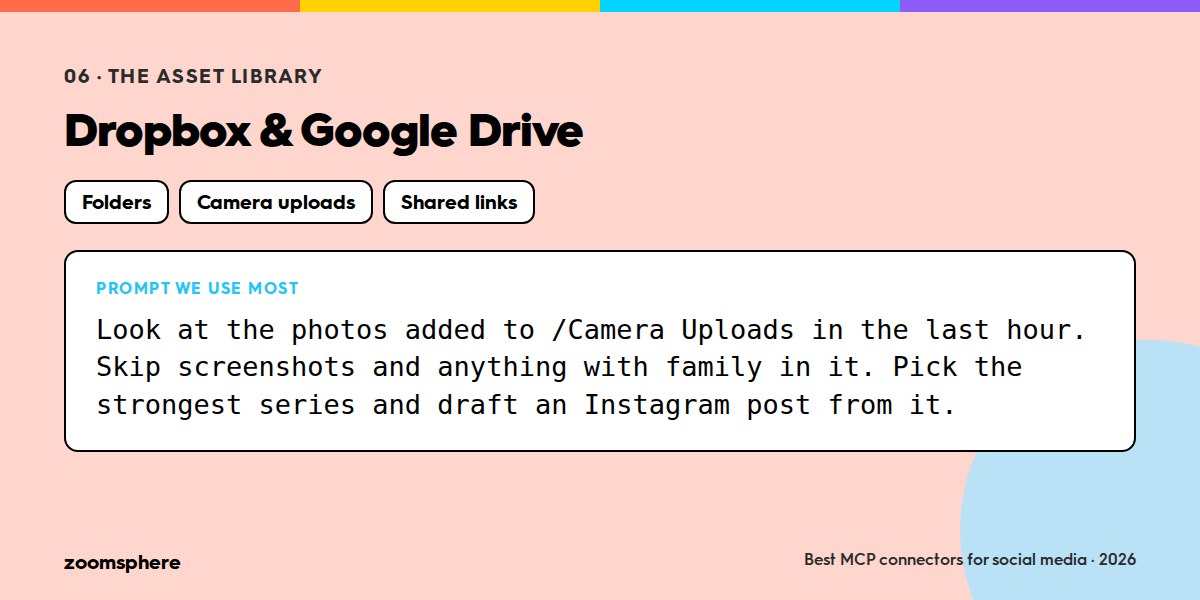
6. Dropbox and Google Drive: the asset library
What it connects: folders, files, shared links, and for Dropbox the camera uploads from your phone.
Reads and writes: both, with Dropbox's connector limited to creating new files rather than editing existing ones.
Setup: both are in Claude's connector directory; Google Drive is also available in ChatGPT.
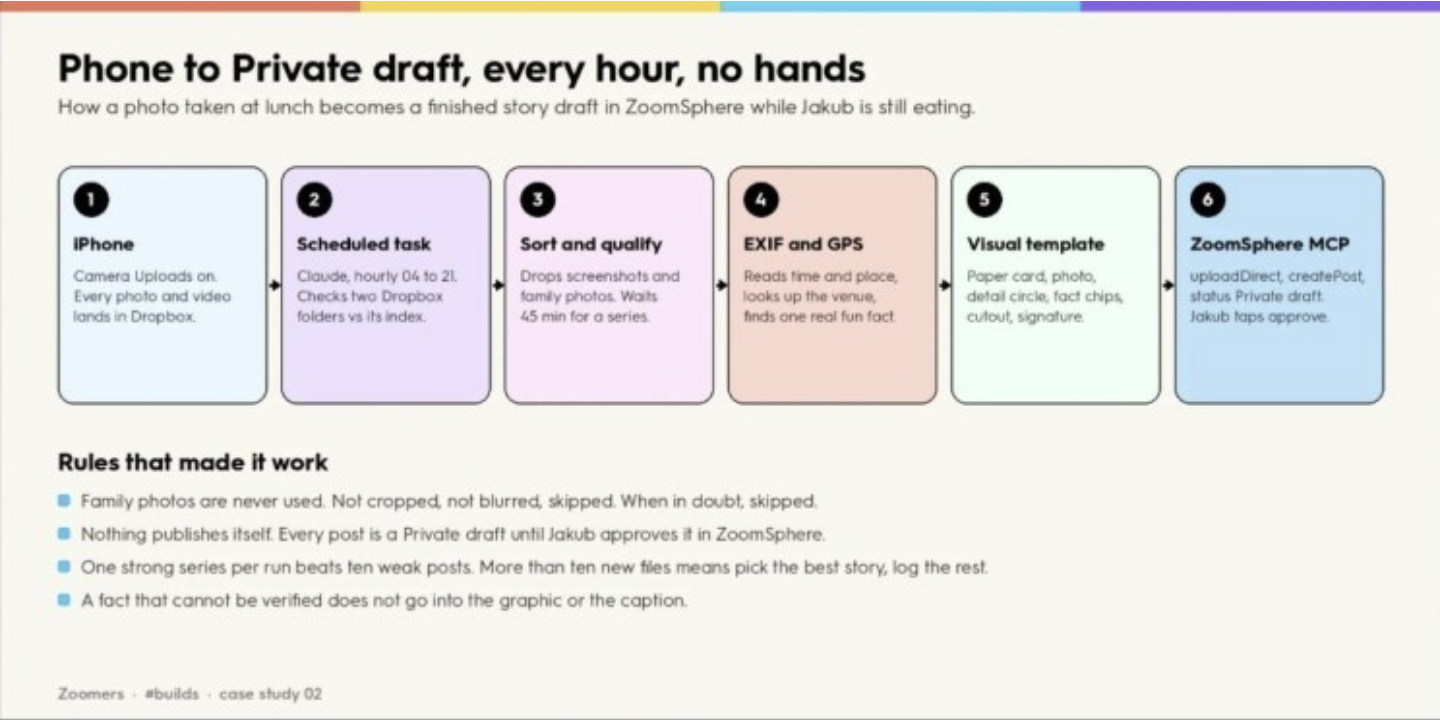
Every "AI makes the visual" workflow has a quiet prerequisite: the AI needs the photos. A file connector turns your existing library into the agent's source material, and it makes one of our favourite recipes possible. Phone to Private draft: Dropbox camera uploads on, a scheduled task every hour, the agent sorts the new photos, reads time and place from EXIF, drops the good ones into a visual template and files a draft. Twelve days, 97 files, 68 usable, 6 drafts. The owner of the business only taps approve.
7. Notion: the brief, the brand guide and the plan
What it connects: pages, databases, comments.
Reads and writes: both.
Setup: Notion's official MCP server, with a Notion login.
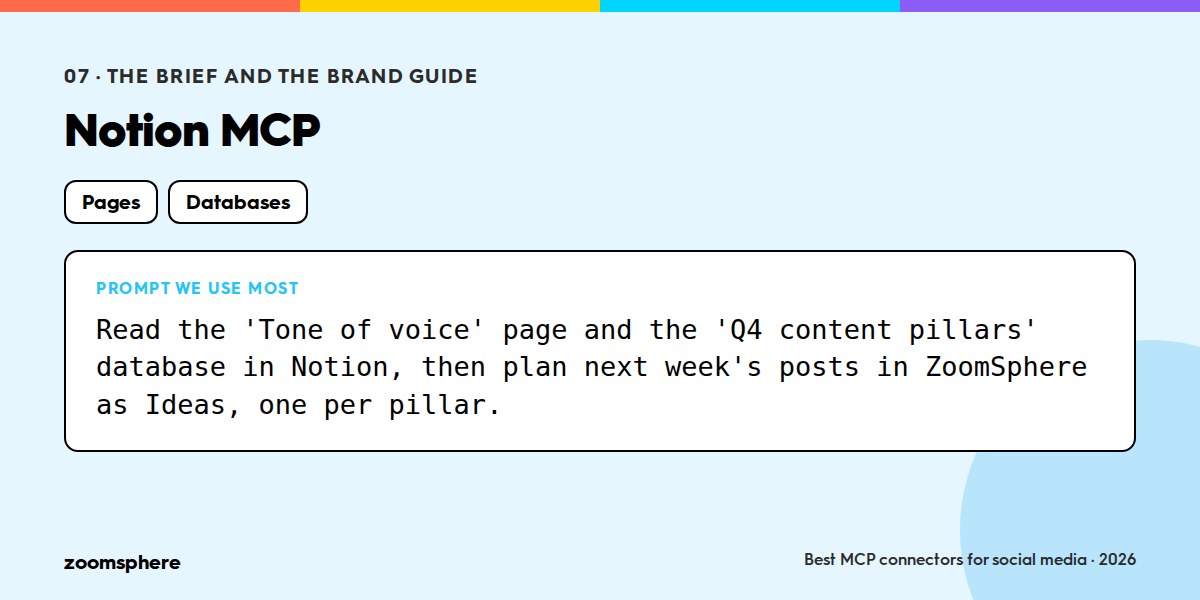
Somewhere there is a document that says what the brand sounds like, which pillars the content follows and what is planned for Q4. If it lives in Notion the agent can read it before it writes anything, which removes half of the instructions you would otherwise repeat in every prompt. We keep the tone-of-voice guide and the content pillars there and point the scheduled tasks at them.
8. Zapier MCP: the connector for everything else
What it connects: more than 9,000 apps through Zapier actions.
Reads and writes: both, per action.
Setup: Zapier's MCP server, with actions you enable one by one.
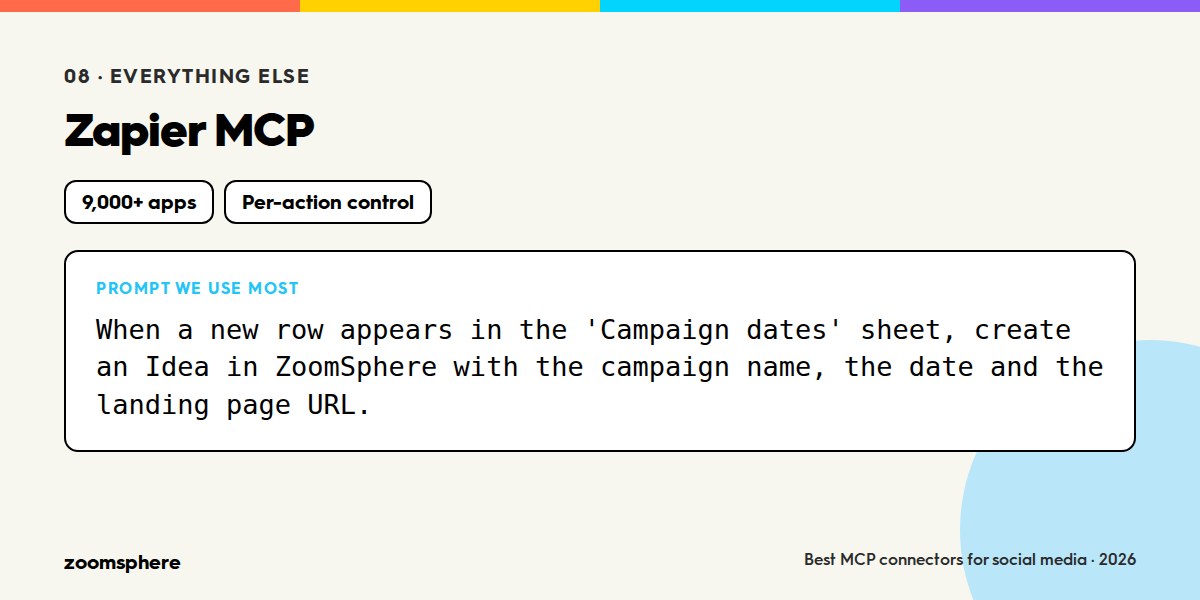
For the tool that has no MCP server yet, there is Zapier. Your CRM, your e-commerce platform, your email tool, your spreadsheet of campaign dates: if Zapier has an action for it, the agent can use it. The trade-off is that you decide action by action what to expose, which is more setup and also more control.
9. Webflow and your CMS: from blog to social, in one step
What it connects: sites, CMS collections, pages.
Reads and writes: both.
Setup: Webflow's official MCP server; other CMS platforms have community servers of varying quality.
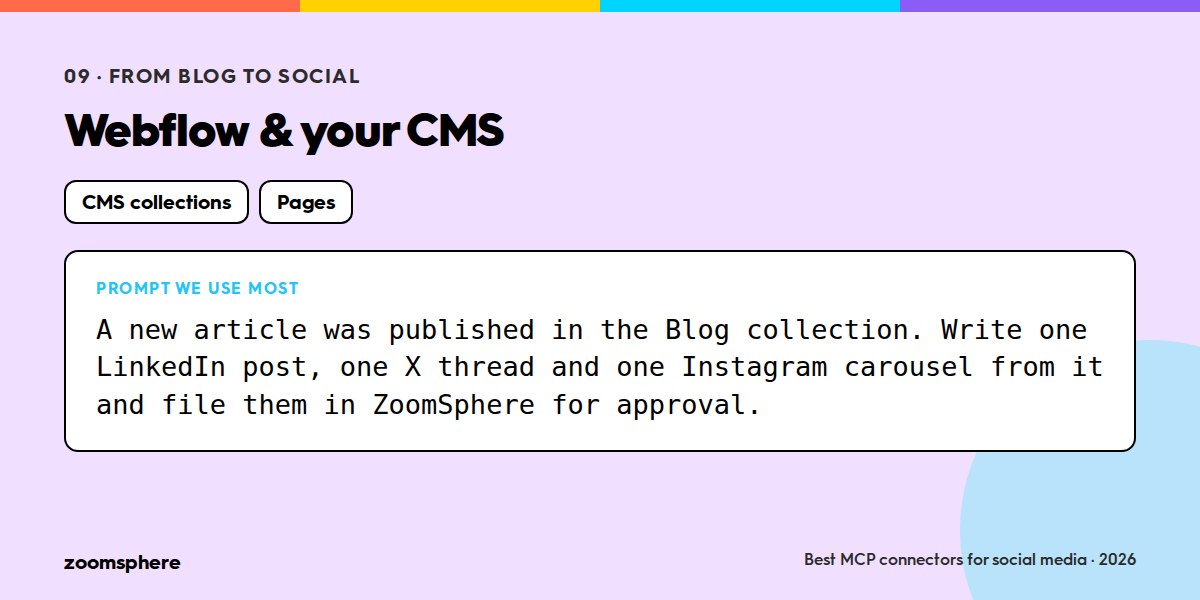
The oldest social media job is "we published a blog post, now make five posts about it". With a CMS connector the agent reads the article the moment it is published, writes the per-network versions and files them in ZoomSphere. Reverse it and the agent can turn a post that performed well into a draft article.
Also worth knowing
Two other social media management platforms have shipped MCP servers, and it would be strange to pretend otherwise: Metricool and Agorapulse both offer connectors with scheduling and analytics tools. If your team already lives in one of them, test its connector before switching anything. What we optimised ZoomSphere's for is the team workflow: statuses and approval as first-class concepts, Ideas as a trigger, per-tool permissions, and analytics the agent is told not to recompute. Decide on those criteria, not on our ranking.
Three MCP stacks that work
- Solo creator or small brand: ZoomSphere, Canva, Google Drive. Enough to plan a month, design from templates and use your own photos, with one scheduled task doing the routine.
- Agency: ZoomSphere, Canva, Slack, Meta Ads, Notion. Client brand guides in Notion, drafts filed per workspace, approval in ZoomSphere, paid and organic in one report.
- Publisher or media house: ZoomSphere, Slack, your CMS or RSS. Every new article becomes a set of per-network drafts in the brand template; the editor keeps the last word.
Four rules before you connect anything
- Drafts by default. Point the agent at a working status and keep publishing for humans until a workflow has proven itself. Both Claude and ChatGPT let you set write tools to "needs approval"; do it.
- One agent, many connectors. The value is in the combination. A calendar connector alone is a faster way to type; a calendar plus files plus team chat is a colleague.
- Rules live in the scheduled task, not in the request. Tone, formats, hashtags, what never to do: write them once in the task that runs on a schedule, so a request can be one line.
- Read the "what broke" sections. Every recipe we publish in our Discord community, Zoomers, has one. A connector that never fails in a blog post will fail in your workspace; you want to know how.
The ZoomSphere MCP is open to every ZoomSphere account. Setup guides for Claude, ChatGPT, Claude for Teams and ChatGPT for Workspaces are in our help centre; builds, prompts and recipes are in the #mcp-builds channel of our Discord community, Zoomers.
{{form-component}}
Frequently asked questions
What is an MCP connector?
A server that exposes an app's functions through the Model Context Protocol, so an AI agent such as Claude or ChatGPT can read and write in that app with your login and your permissions. Adding one takes a name, an address and a sign-in.
Do I need a developer to use MCP connectors for social media?
No. The connectors in this article are added from the settings of Claude or ChatGPT; the only technical step is pasting an address such as https://mcp.zoomsphere.com/mcp. Team and Enterprise plans let an admin add a connector once for everyone.
Can an AI agent publish posts on its own through MCP?
It can, if you let it. We recommend the opposite: keep write tools on "needs approval" and point the agent at a draft status, so every post is checked by a person in ZoomSphere before it goes live.
Does the ZoomSphere MCP cost extra?
No. It is available to every ZoomSphere account at no extra cost.
Which AI assistants work with the ZoomSphere MCP?
Claude and ChatGPT are documented step by step in our help centre; any other client that supports remote MCP servers with OAuth can connect the same way.








Heading 1
Heading 2
Heading 3
Heading 4
Heading 5
Heading 6
Lorem ipsum dolor sit amet, consectetur adipiscing elit, sed do eiusmod tempor incididunt ut labore et dolore magna aliqua. Ut enim ad minim veniam, quis nostrud exercitation ullamco laboris nisi ut aliquip ex ea commodo consequat. Duis aute irure dolor in reprehenderit in voluptate velit esse cillum dolore eu fugiat nulla pariatur.
Block quote
Ordered list

- Item 1
- Item 2
- Item 3
Unordered list
- Item A
- Item B
- Item C
Bold text
Emphasis
Superscript
Subscript


Recommended for you
.webp)
%20(1).webp)
%20(1).webp)